✨ Take a course with me
Build the learning tool you've always wished existed
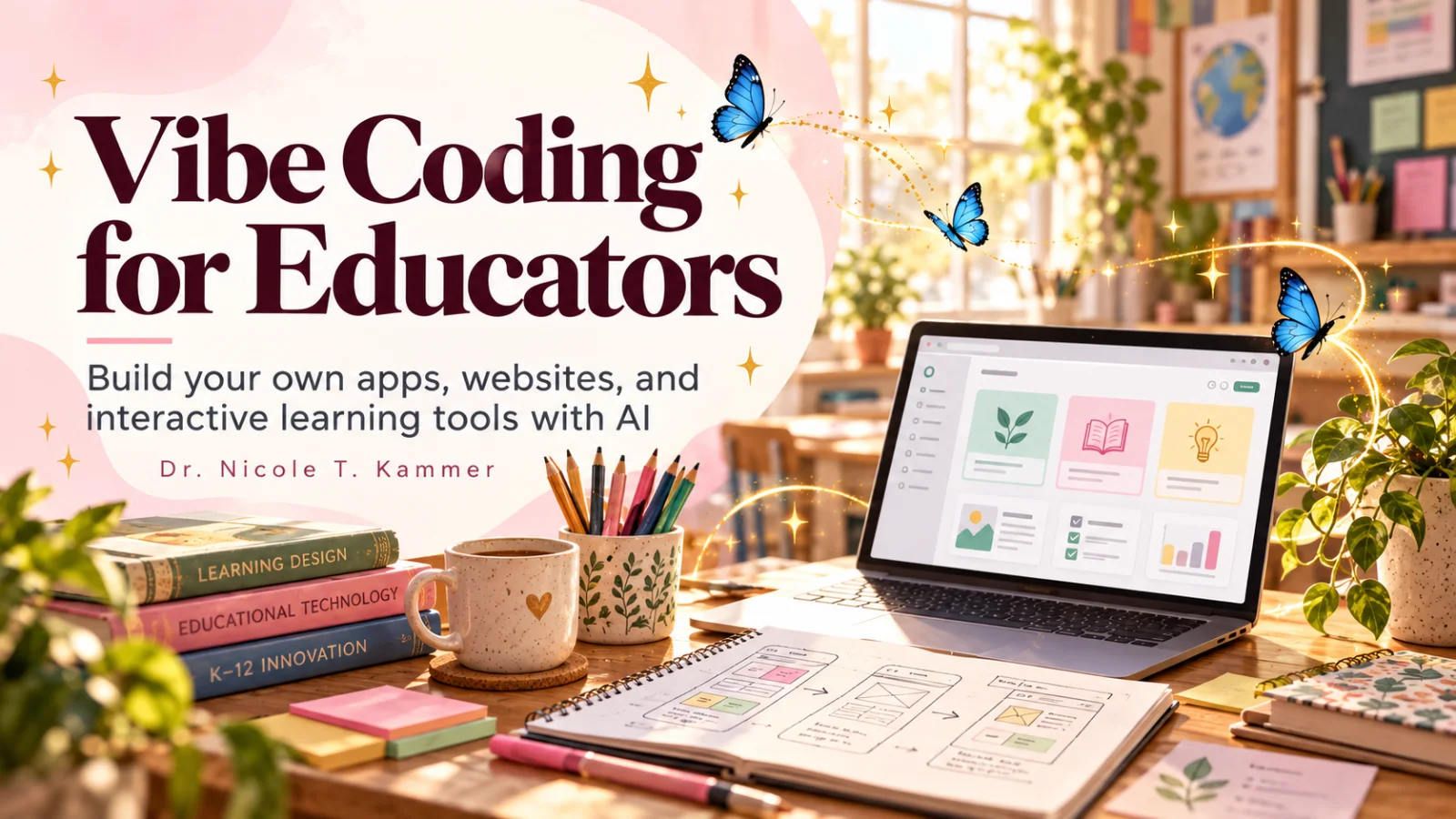
Vibe Coding for Educators is a hands-on school for classroom teachers, instructional designers, and other professionals working in traditional school settings — built for anyone in a school, district, or education organization ready to build their own apps, websites, and interactive tools with AI builders. No programming background. No gatekeeping. Just you, your expertise, and a deployed product.
To join, you'll sign up on TeachClub — this button opens their sign-up page in a new tab, so this page stays right here.
"Your students don't need you to become a developer — they need you to stop waiting for one."
What you'll learn
What you'll be able to do
Spot a genuine friction point and reframe it as a buildable product brief
Design audience, flow, tone, and safety before writing a single prompt
Use an AI builder (like Lovable) to generate a working first version
Iterate on a live prototype based on what real users actually do
Apply accessibility, privacy, and age-appropriate design to any student tool
Move your prototype into practice and show your expertise on a deployed platform
How it works
A school that adapts to you
Not a set of static videos — every lesson is tuned to where you actually are.
01
We learn your level
A quick placement check tailors your starting point so you're never bored or lost.
02
Lessons adapt as you go
Each lesson is written for your pace and your goal, adjusting as your skills grow.
03
Your AI coach keeps you moving
Checkpoints, feedback, and gentle nudges turn progress into a real result.
The curriculum
What's inside your school
6 modules · 24 lessons
- 1.1The Learning Space You Wish ExistedIncluded
- 1.2Vibe Coding Without the MysteryIncluded
- 1.3You Already Know the Most Important ThingIncluded
Who it's for
Is this you?
The frustrated classroom teacher
Done duct-taping three apps together — ready to build the one that fits her students.
The instructional designer
Tired of handing off to developers — ready to prototype and ship end to end.
The curriculum developer
Rich curricula deserve better homes than a PDF.
The school administrator
Wants to know what building a custom solution actually takes.
The education researcher
Findings that deserve to reach real classrooms directly.
The educator-entrepreneur
A side idea that needs a path from concept to deployed product.
A note from your teacher
"This almost works…"
If you've spent any time in education, you know the feeling. A tool almost works — if it just did this one thing differently, it would be perfect for your kids. And then nothing changes, because you're not a developer.
The barrier to building your own solution was never technical skill. It's not knowing where to start — and not believing your professional knowledge is a superpower in the building process. It is.
This school is the structured path I wish I'd had: start with real friction, design the experience, build a first version with AI, test it with real users, and iterate — with accessibility and privacy as foundations.
By the end, you'll have something deployed, something you made, and the process to do it again. Come build something worth using.
— Nicole Kammer
Questions
Frequently asked
Do I need any coding or technical background to succeed here?
None at all. The school is built specifically for educators who have zero programming experience. You'll use AI-powered builders that generate working apps from plain-language prompts — and the curriculum teaches you exactly how to communicate with those tools clearly and effectively. Your professional knowledge of how learning works is genuinely your biggest asset here.
What will I actually build by the end of this school?
You'll build a real, deployed tool — an app, an interactive website, or a digital learning experience — rooted in a friction point from your own educational context. You'll also build or refine your own professional platform as a deployed product. These aren't mockups or slides; they're things you can put in front of students, families, or colleagues.
Which AI builder tools does this school use?
The curriculum is built around Lovable as the primary AI-powered builder, but the design thinking and prompting skills you develop apply across the growing landscape of no-code and AI-assisted tools. The goal is for you to understand the process deeply enough that you're not dependent on any single platform.
How does the school handle student privacy and legal compliance?
Directly and practically. There's a dedicated section on accessibility, FERPA, COPPA, and responsible sharing — treated as design requirements, not legal disclaimers you skim past. You'll learn how to make responsible decisions about data, privacy, and age-appropriate design from the very first time you define your audience.
I already have a tool idea. Can I bring it in from day one?
Absolutely — and you'll have a richer experience for it. The early curriculum will help you pressure-test and sharpen that idea (most builders discover their original concept shifts once they map the real user experience). If you don't have an idea yet, the friction-finding process in the first units is designed to surface one from your own professional life.
Is this school relevant for roles outside the classroom — like instructional designers or curriculum developers?
Yes. The school was designed with K–12 teachers, instructional designers, curriculum developers, education researchers, and school administrators all in mind. If you work in an educational context and have ever felt the gap between what EdTech offers and what your users actually need, you belong here.
Start your journey today
Get instant access — learn at your own pace with an AI coach in your corner.
$59/mo
Recurring billing · cancel anytime
To join, you'll sign up on TeachClub — this button opens their sign-up page in a new tab, so this page stays right here.
Enrollment, payment, and your account all happen on TeachClub — not on this site.
Prefer one-to-one help? See the 45- and 90-minute sessions on the Work With Me page.